Role
Team
1 Designer,
1 Developer
Duration
15 Days
Company
Maxlence Consulting
Problem
Companies with multiple employee roles often require users to answer many onboarding questions before accessing their dashboard. Most onboarding experiences become overwhelming because users are forced to go through long forms, unclear steps, and irrelevant options before they can actually start using the platform. This creates confusion, low completion rates, and poor first impressions.
Before
Since this was a fresh product, there was no existing onboarding experience or design system in place. I had to design the onboarding flow completely from scratch while defining how users would first interact with the platform. The challenge was creating a flow that could handle different user roles without making the experience feel overwhelming or complicated from the beginning.
What I Did
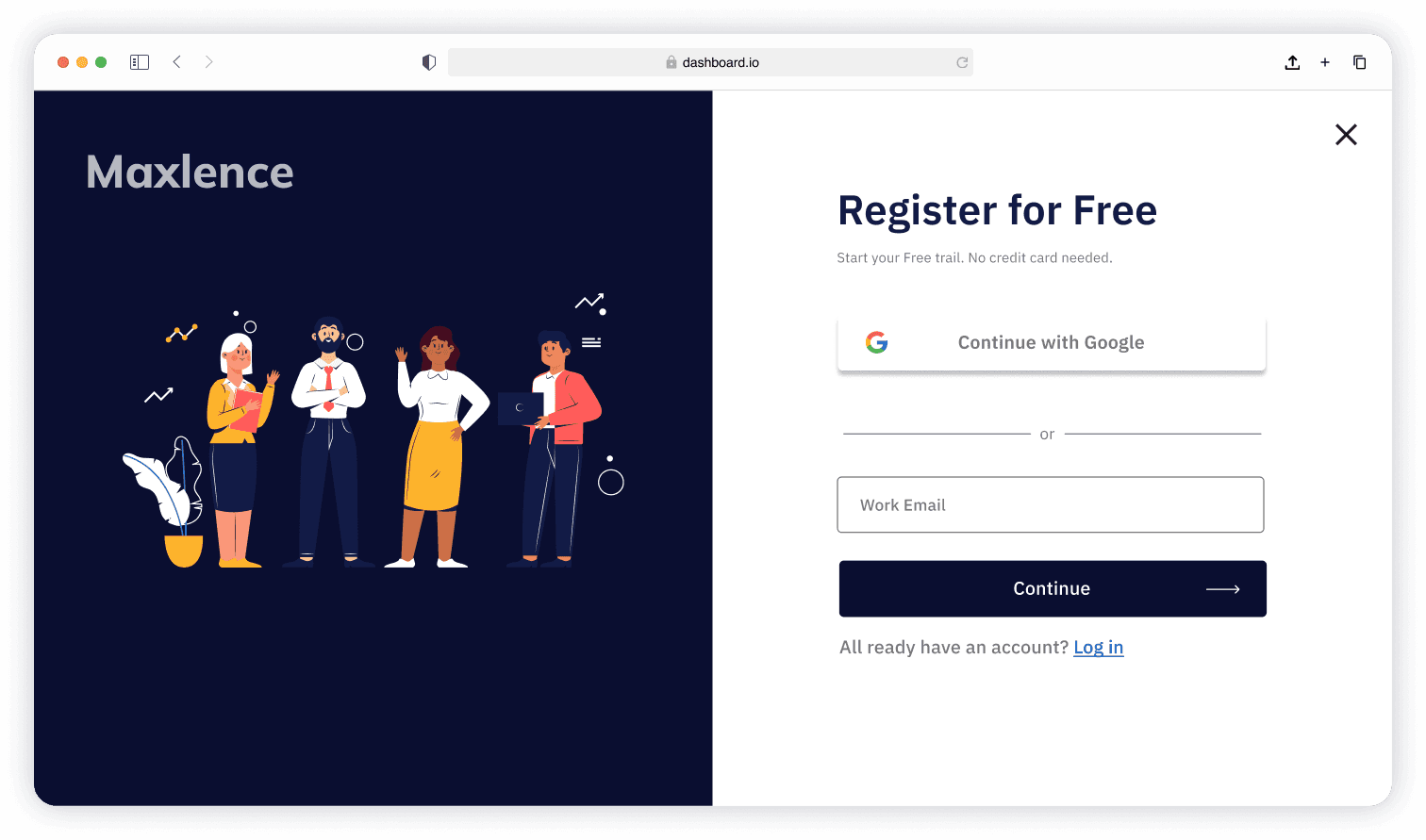
I designed and built the onboarding experience for the intranet platform completely from scratch with the goal of helping users reach a personalized dashboard faster and with less friction. Since the platform served employees, HR teams, managers, and SaaS users, the onboarding needed to adapt to different workflows while still feeling simple and guided.
I focused on reducing cognitive overload by restructuring the onboarding into smaller, progressive steps instead of one long form. I used conditional logic to only show relevant questions based on user choices and added clear progress indicators to make the experience feel manageable.
Designed the onboarding architecture from scratch
Created step-by-step onboarding flow to reduce overwhelm
Grouped related questions into smaller sections
Used conditional logic to personalize onboarding paths
Added progress indicators to improve flow clarity
Structured onboarding around dashboard customization goals
Optimized layouts for better mobile responsiveness
Simplified question hierarchy and interaction patterns
After
The result was the first structured onboarding experience for the platform, designed to guide users step-by-step toward a personalized dashboard. Instead of presenting everything at once, the flow introduced information progressively through grouped questions, conditional logic, and clearer navigation patterns.
The onboarding structure also created a scalable foundation that could later adapt to different user roles, workflows, and future platform features.
Business Value
The project demonstrated how a structured onboarding experience can reduce friction and improve first-time user experience in enterprise and SaaS platforms. By simplifying the onboarding flow, the platform could guide users toward dashboard personalization faster while making the system feel more approachable.
Mistake
One of the biggest challenges was that the final product scope was still evolving while I was designing the onboarding flow. I initially included onboarding options for features that were planned but not yet ready for this phase of the product.
As the project evolved, some features were removed or postponed, which meant I had to revisit and simplify parts of the onboarding experience later. This taught me the importance of validating onboarding content against the confirmed MVP scope before scaling the experience further.
I also learned that in early-stage products, onboarding can quickly become too ambitious if future functionality is assumed too early in the design process.
Learning
This project taught me that onboarding is less about collecting information and more about helping users build confidence while moving through the system. I learned how important it is to reduce cognitive load by controlling how much information users see at once.
Since this was built from scratch, I also learned how onboarding decisions directly shape the overall perception of a platform. Small structural choices like question grouping, step sequencing, and conditional visibility had a major impact on clarity and completion flow.
I also understood that onboarding should always align with the actual product scope and implementation roadmap, especially in evolving SaaS products.
Future State
The onboarding system was designed with scalability in mind so additional workflows, user roles, and dashboard modules can be integrated over time without redesigning the full experience. The conditional onboarding structure also allows the platform to evolve into a more adaptive and personalized system in future iterations.
Detailed plan
This solution provides HR professionals with a seamless onboarding experience, enabling them to input their details easily and get started. Once onboarded, HRs gain access to a comprehensive custom dashboard, offering intuitive tools to manage tasks, streamline workflows, and optimize HR operations effortlessly.
Introduction

Empathy
Define
Ideate
Prototype
Test
HRs are using more than one software to bridge the gap between their requirements.
Users are frustrated to fill a long list while onboarding, and at the end when they land, it does not fulfill the purpose, thus repeating the same process again.
They want a click-based interface rather than writing in an input box.
User wanted to have custom experience when they land on dashboard
HRs want the experience to just work with minimal effort.
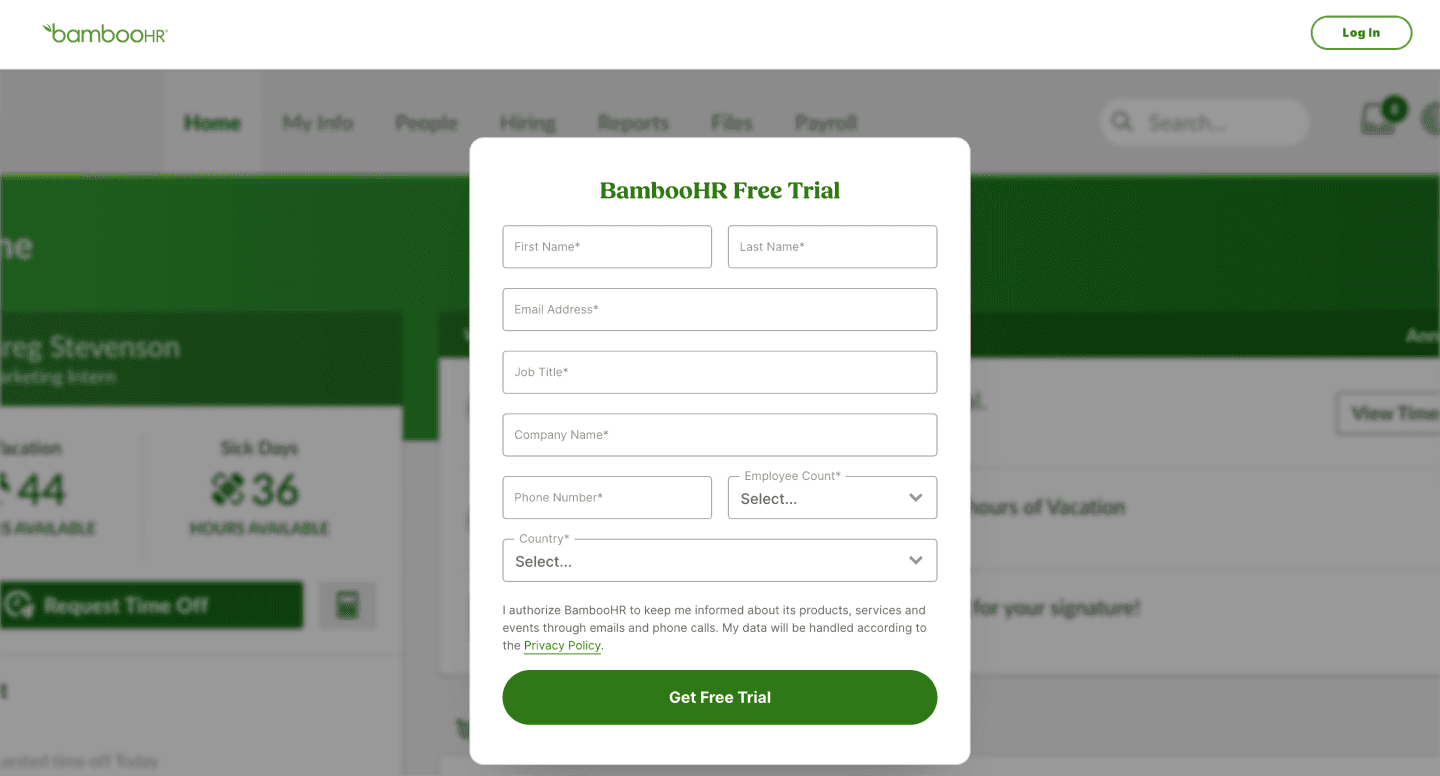
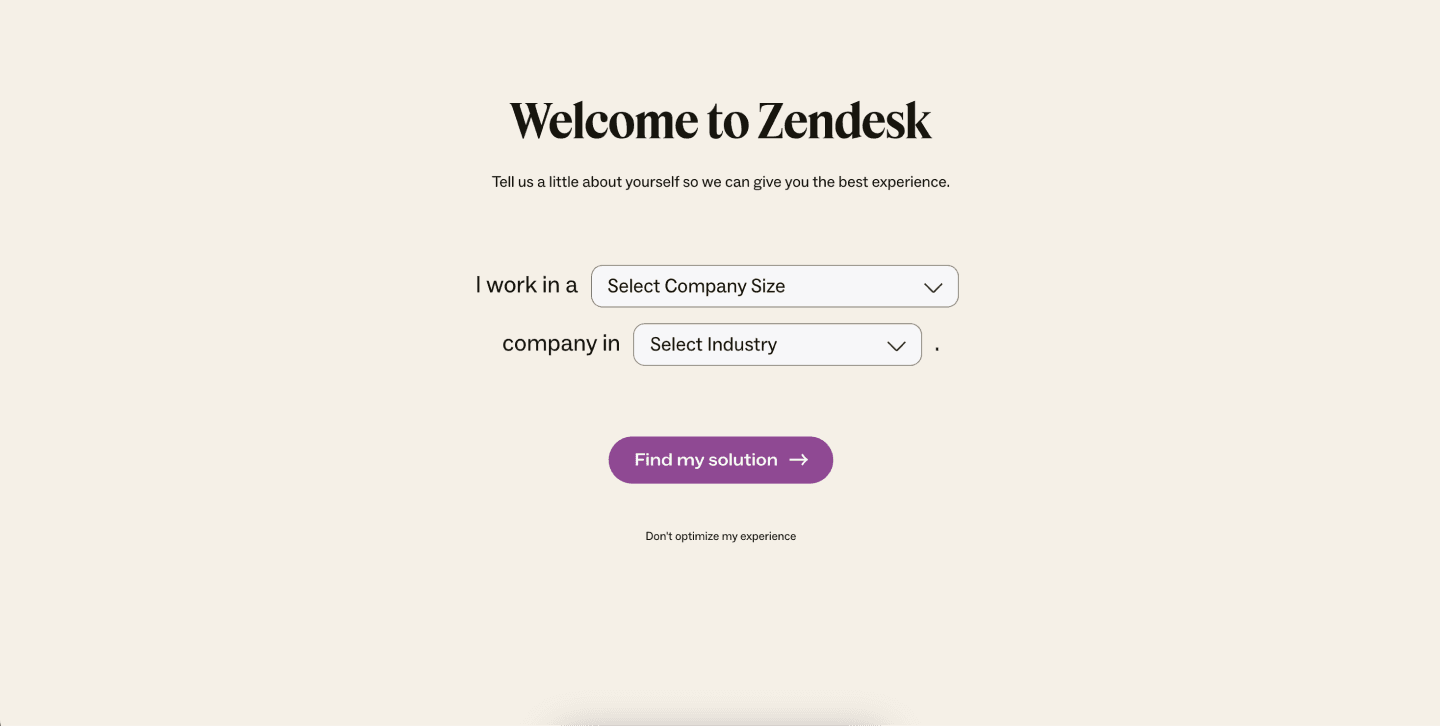
During user interviews, HRs often mention competitive software names for the betterment of the product, ex. BambooHR, Keka, and Zendesk.
While the product was still in the design phase, I had to choose the most efficient method in UX to gather insights from the HRs. During this phase, time constraints for designing the intranet page did not allow me to follow all UX methods.
So I chose user interviews to gather more data on it. Below is the script I prepared for doctor interviews in Figma.
User interview script
Hello, Sir/Ma'am. Good morning. How are you feeling today? My name is Roushan, and I am a UX designer at Maxlence Consulting. I am conducting this interview to gain real insights from HR professionals about their onboarding experience. Specifically, I am interested in how your HR team onboards new employees at your organization and how you yourselves use HR tools for day-to-day activities. I want to understand what can improve your onboarding experience. I would like to learn more about this in order to create something that makes our end users' lives easier, so please educate me further on this topic.
How do you integrate new tools with your existing HR systems?
2. How do you currently onboard new tools or software into your HR workflow?
3. What are the biggest challenges you face when implementing new software for HR activities?
4. What features or capabilities are essential for you when onboarding to a new SaaS tool?
5. To what extent do you need to customize the tool to fit your specific HR processes?
6. What features or improvements would make the onboarding process easier for you?
This is the script that I wrote to do HRs interviews. Along the way, I made some changes in the script.
Recommendation
Performance
Easy to Use
Features Introduce
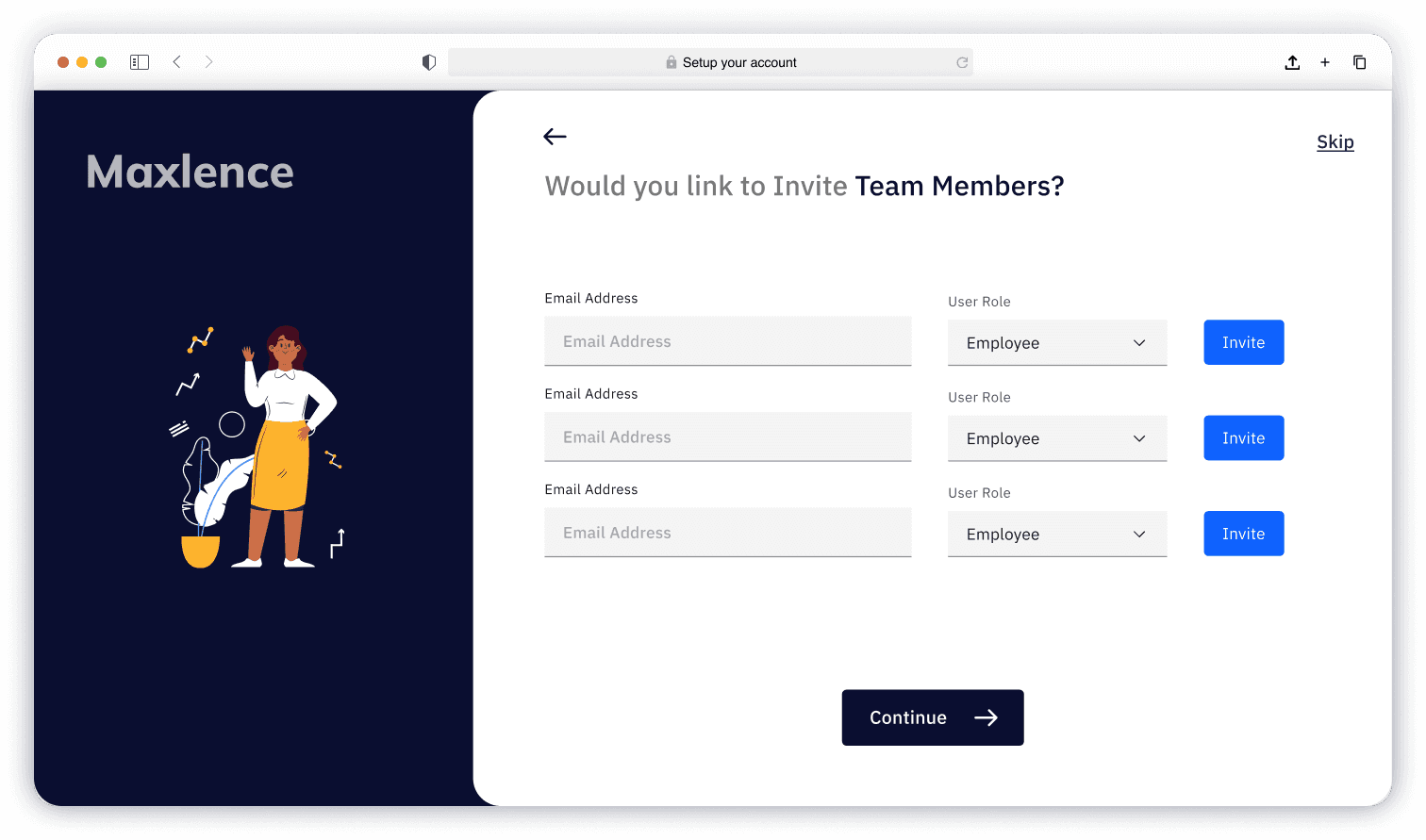
In this revision, I have added a new feature to the onboarding that benefits different types of team sizes. These features can now customize the onboarding experience.
Work type
Current role
Team size
Company size
Types of work
Field of work
Reach
Invite members
Visual Design
The design language for the product has already been set, so I will not discuss it in depth here. However, I can share some basic information.
Free ride up