Role
IC UX/UI Designer
Team
1 Designer, 1 Developer
Duration
15 Days
Company
Bridge2Business
Project type
Freelance Website Redesign
Client Problem
Bridge2Business had an outdated and cluttered website structure that made it difficult for users to understand the company’s services and navigate efficiently. Weak hierarchy, excessive text, and inconsistent visuals reduced trust and made the overall experience feel unstructured and overwhelming.
Before
The website lacked a clear information hierarchy and modern visual consistency. Users had difficulty scanning content, understanding service categories, and navigating between sections. Dense text blocks and outdated UI patterns created friction, making the platform feel less credible and harder to engage with.
What I Did
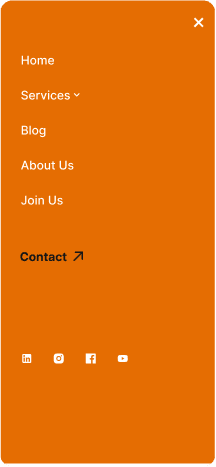
Conducted a visual and heuristic evaluation of the existing website to identify usability gaps, weak hierarchy, and navigation friction. The redesign focused on simplifying the content structure, improving scanability, and building a cleaner visual system that increased readability, usability, and trust perception across desktop and mobile experiences.
• Audited the existing website for usability, hierarchy, and navigation issues
• Restructured information architecture to create a clearer content flow
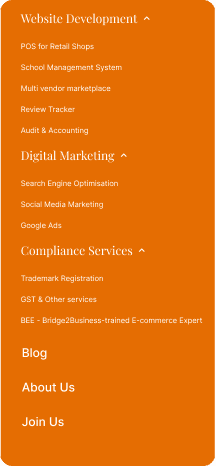
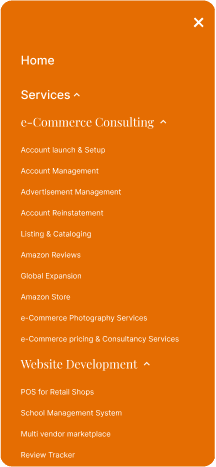
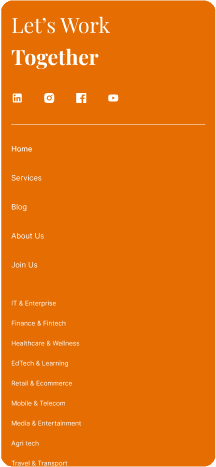
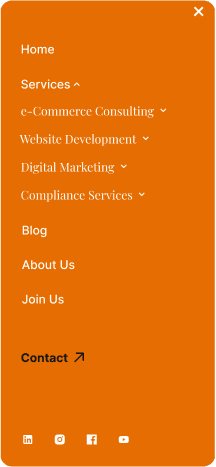
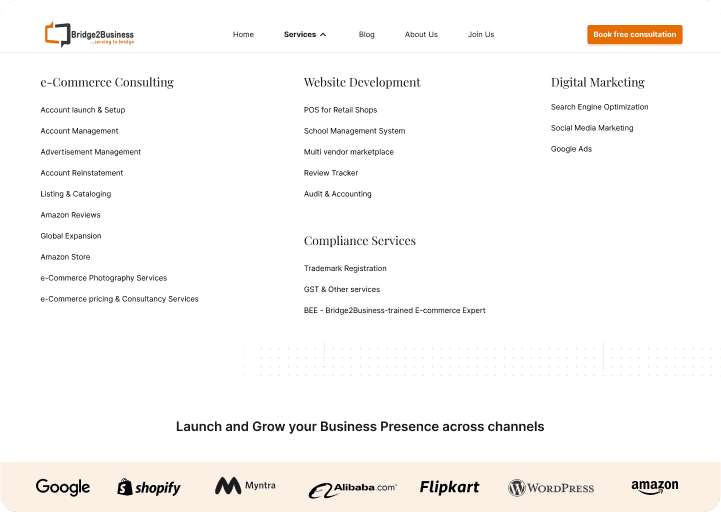
• Simplified navigation to reduce cognitive load and improve discoverability
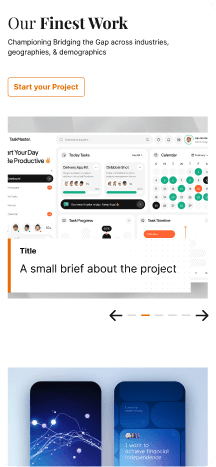
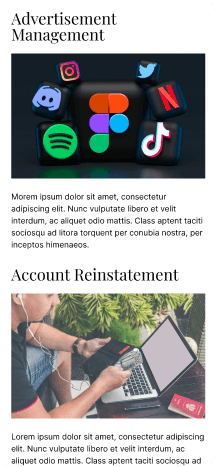
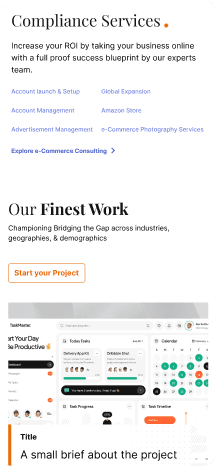
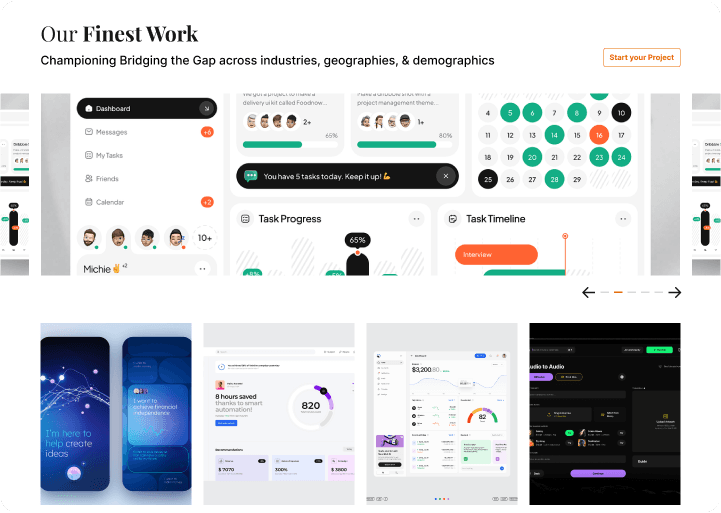
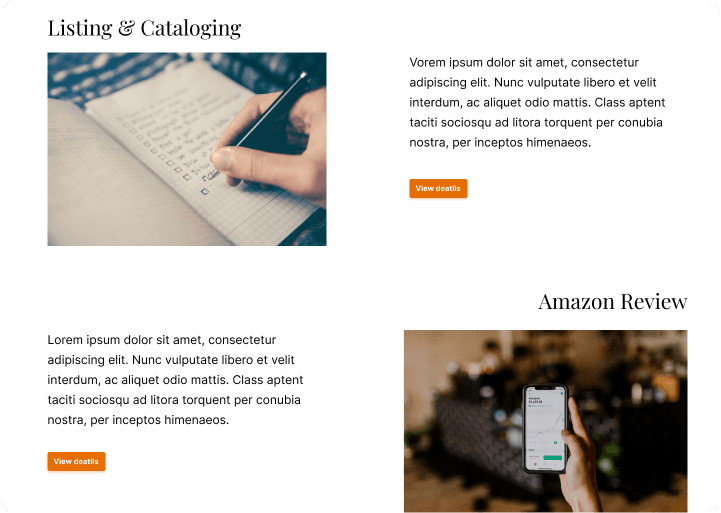
• Designed modular layouts for better organization and scanability
• Introduced a cleaner typography and spacing system for improved readability
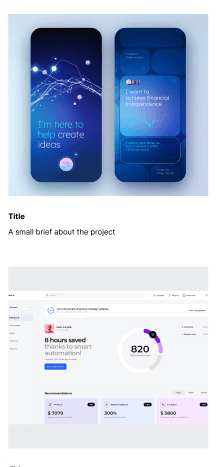
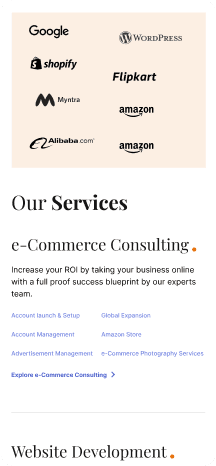
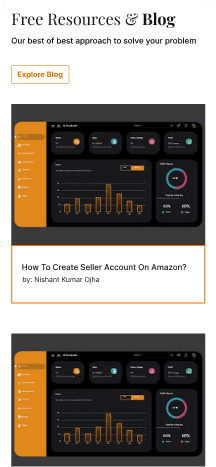
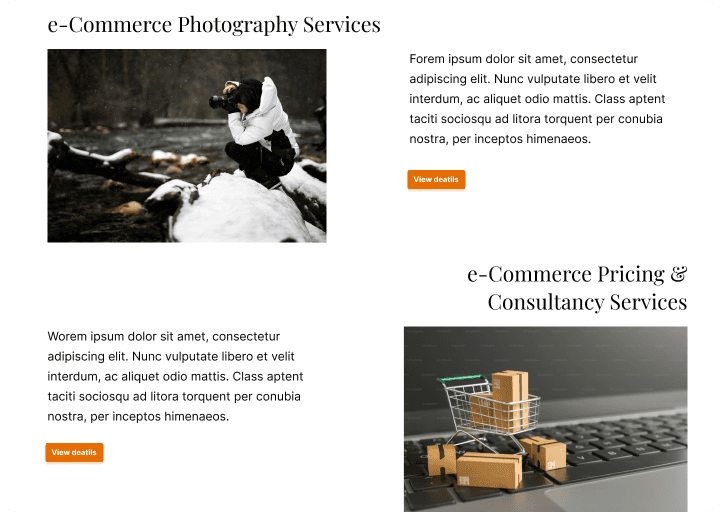
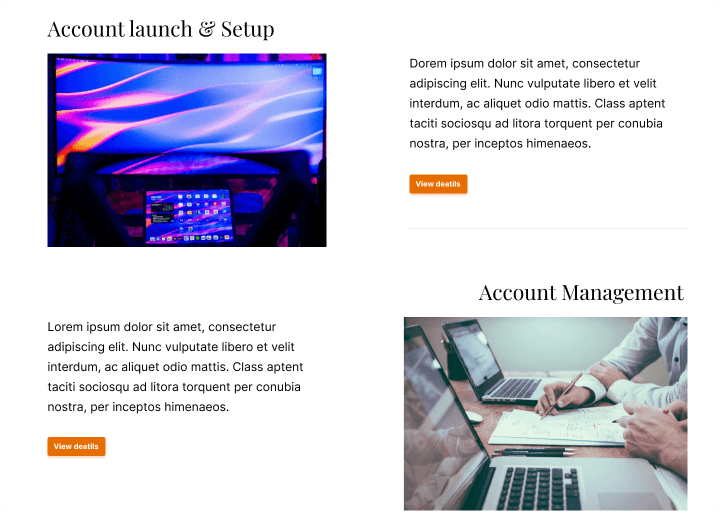
• Created card-based content grouping to break down dense information
• Built a more consistent and modern visual identity across all sections
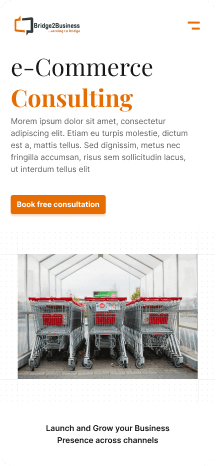
• Improved CTA hierarchy and visibility for clearer user actions
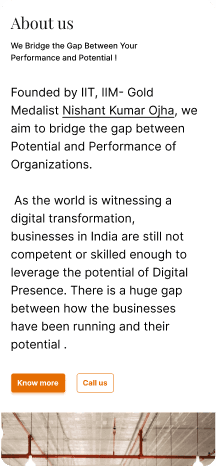
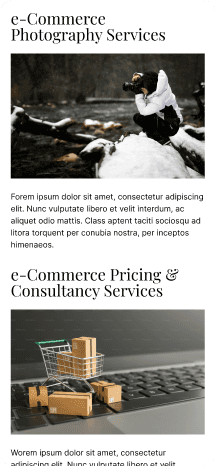
• Designed responsive desktop and mobile interfaces with consistent UX patterns
After
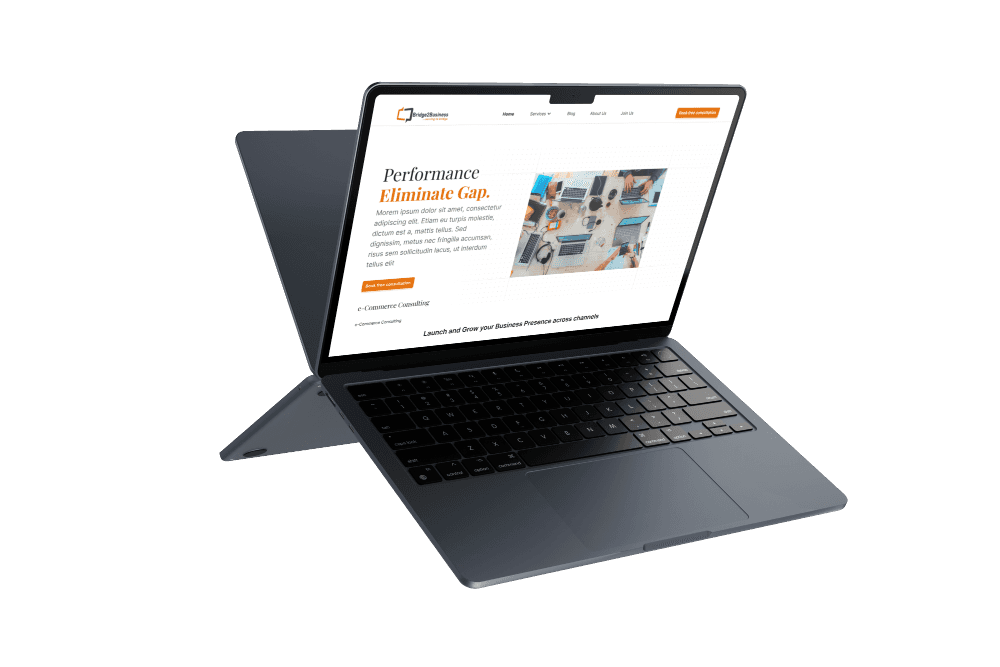
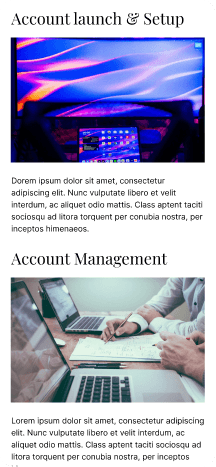
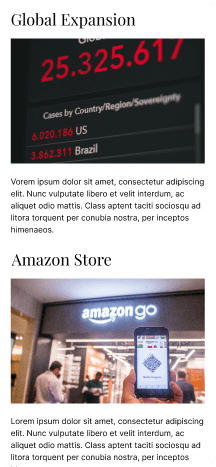
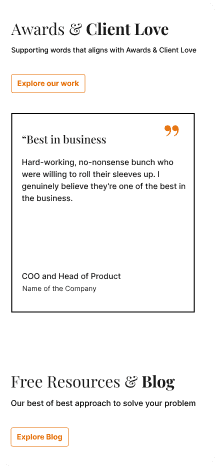
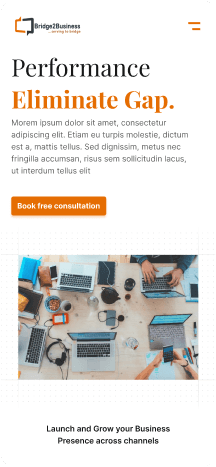
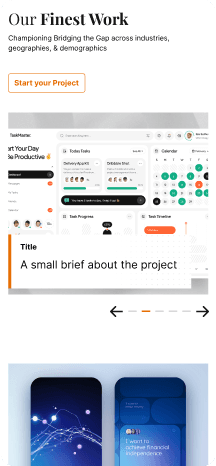
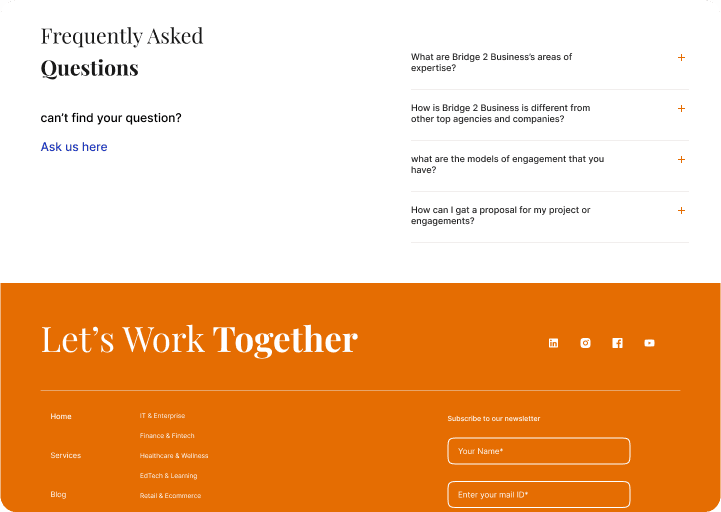
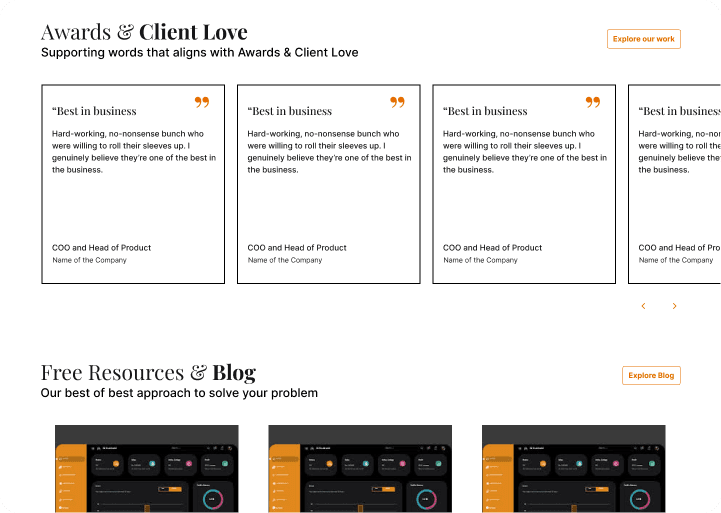
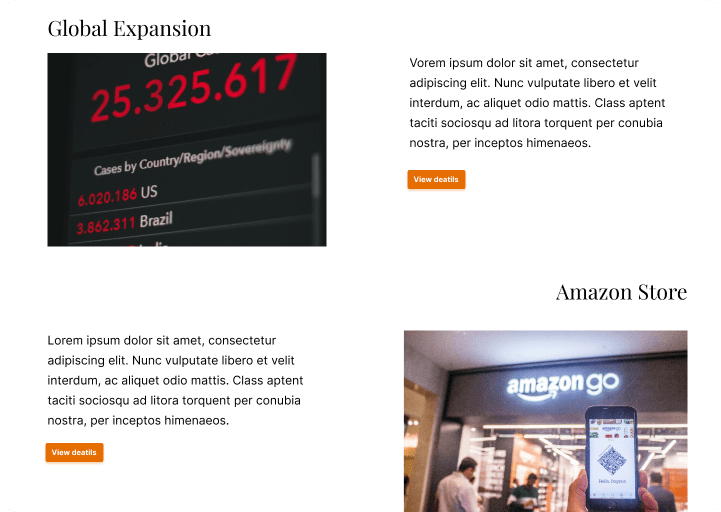
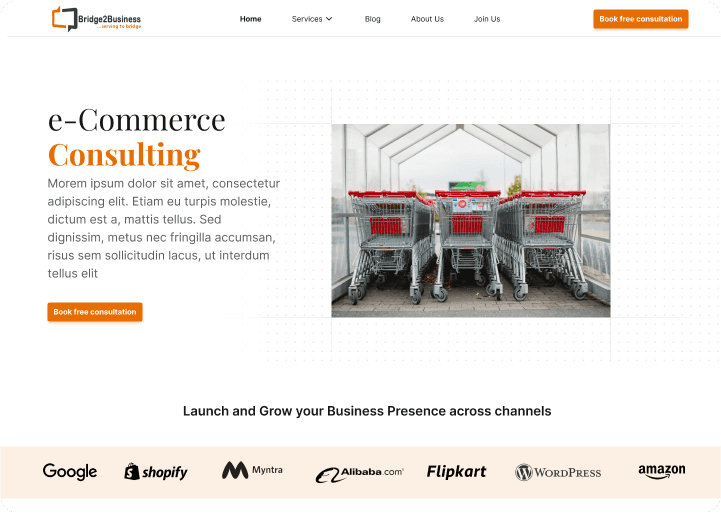
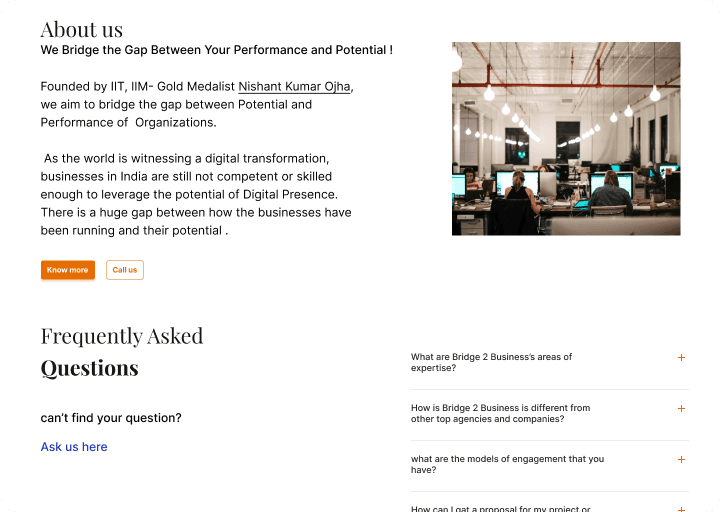
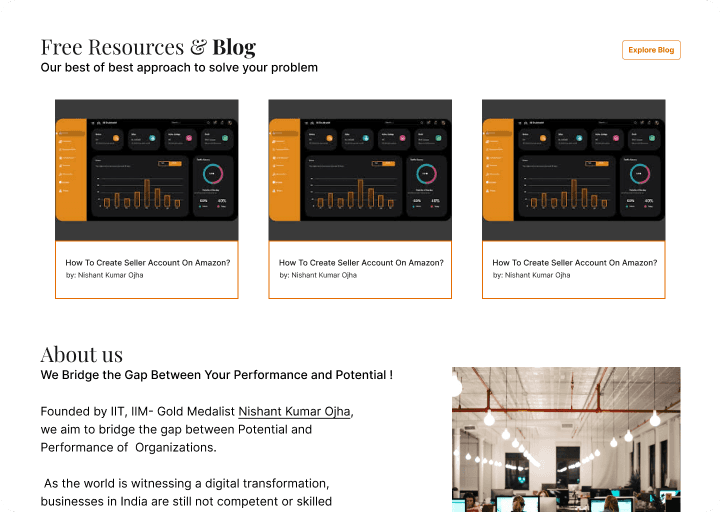
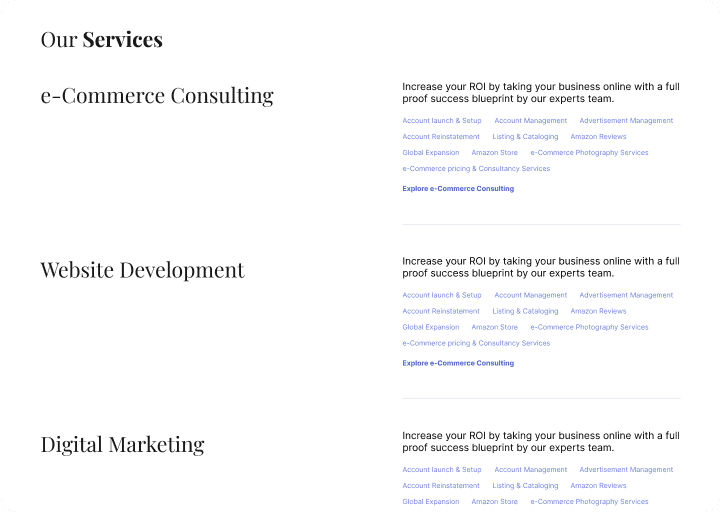
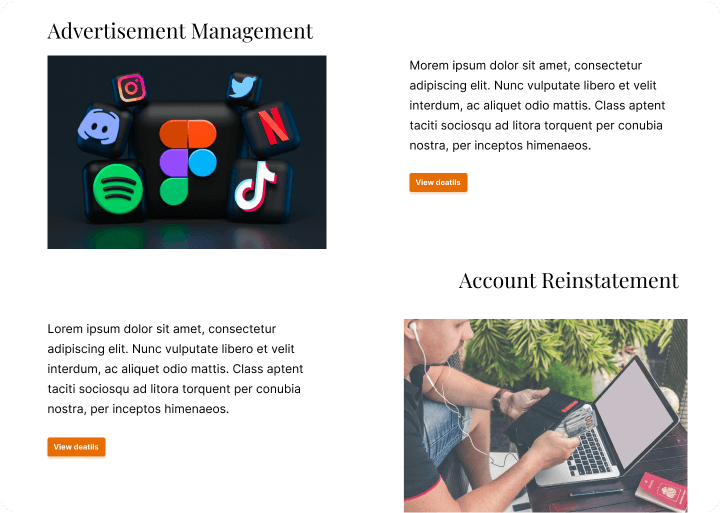
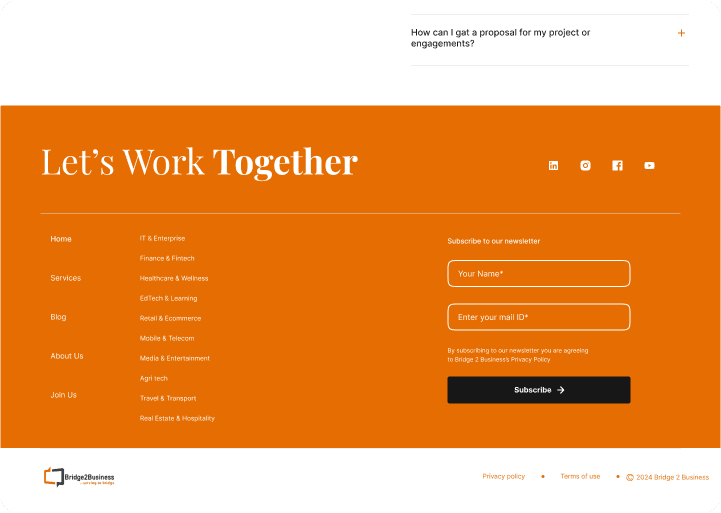
The redesigned experience introduced a cleaner and more structured interface that made information easier to navigate and understand. Modular sections, improved typography, and clearer hierarchy reduced cognitive overload while giving the website a more professional and trustworthy presence across desktop and mobile devices.
Business Value
The redesign helped the business present its services more clearly and professionally. Improved navigation and structured content organization made the website easier to explore, while the updated visual identity strengthened trust and overall brand perception.
Mistake
I initially focused more on desktop information architecture and visual restructuring without planning responsive behavior early enough.
Because responsiveness was not considered from the start, some layouts and navigation patterns had to be revisited later.
I underestimated how much menu restructuring could affect existing users who were already familiar with the previous navigation system.
Some early navigation decisions focused more on organizing content logically instead of validating how users naturally expected to find information.
I learned that information architecture, responsiveness, and usability need to evolve together rather than as separate stages of the redesign process.
Learning
I learned how strongly information architecture affects usability, especially on informational websites with multiple navigation paths.
This project taught me that poor grouping in menus can make even useful content feel difficult to access and overwhelming to users.
I understood the importance of balancing modernization with familiarity so existing users do not feel lost after a redesign.
I learned how restructuring navigation requires thinking about user mental models, not just visual cleanup.
I also realized that responsive design should be planned from the beginning instead of being treated as a later adjustment.
Future State
The redesigned visual and structural foundation creates a scalable direction for future website growth. The modular layout system and consistent UI patterns can support additional services, content expansion, and future digital improvements while maintaining usability and visual consistency.
Detailed plan
Research
User study gives an in-depth understanding of users’ values, perceptions, and experiences. Bridge 2 business's user interview process was targeted around the questions -
How easy is it for you to find the information or services you’re looking for on the website?
This assesses the site’s usability and information architecture.
What aspects of the website’s design or content do you find most appealing or engaging?
This helps identify elements that resonate with users and enhance their experience.
Are there any areas or features on the website that you find confusing or difficult to use?
This highlights potential usability issues that need addressing.
What additional features or content would you like to see that would help you better understand or engage with the digital marketing services?
This provides insights into user needs and potential enhancements for the site.
I found out very relevant answers to these questions. Users care about clear, relevant information, easy navigation, credibility, visual appeal, and responsive performance when interacting with a website.
Analysis
The user study analysis was centred around some common Digital marketing agencies like
Users want to find information easily and prefer an intuitive, user-friendly layout
A visually appealing design is important for engaging users, as professional and aesthetically pleasing designs can enhance their experience.
To build trust, users look for credibility through testimonials, case studies, and evidence of expertise.
A positive user experience depends on fast load times and seamless functionality across devices.

Scenario 1: Scenario: Struggling to Find Relevant Services
User: A small business owner looking for digital marketing services.
Goal: Find a specific service, such as social media marketing, to enhance their business.
Pain Point: The website’s navigation is confusing, and the services are buried under unclear categories.
Frustration: After several minutes of searching, the user becomes frustrated, unable to find detailed information on social media services, and leaves the site.

Scenario 2: Unclear Value Proposition and Trust Issues
User: A marketing director comparing digital marketing agencies for a partnership.
Goal: Evaluate the company's capabilities and trustworthiness.
Pain Point: The website lacks client testimonials, case studies, and clear proof of past success.
Frustration: Without evidence of results or industry credentials, the user feels uncertain about the company's expertise and decides to look for more credible option

Scenario 3: Confusing Pricing and Contact Process
User: A freelance entrepreneur ready to hire a digital marketing agency.
Goal: Understand pricing details and initiate contact.
Pain Point: The pricing is vague, and the contact form is lengthy and complicated.
Frustration: The user becomes frustrated with unclear pricing information and abandons the inquiry process due to the cumbersome form, moving to a competitor's website with transparent pricing and a simple contact option.

Scenario 4: Mobile Experience Issues
User: A tech-savvy professional browsing the website on their smartphone during a commute.
Goal: Explore available digital marketing packages and check for testimonials.
Pain Point: The site takes too long to load and displays poorly on mobile devices, with overlapping text and images.
Frustration: The user grows impatient with the poor mobile experience and leaves the site, assuming the company is outdated or not responsive to modern needs.
Ideate
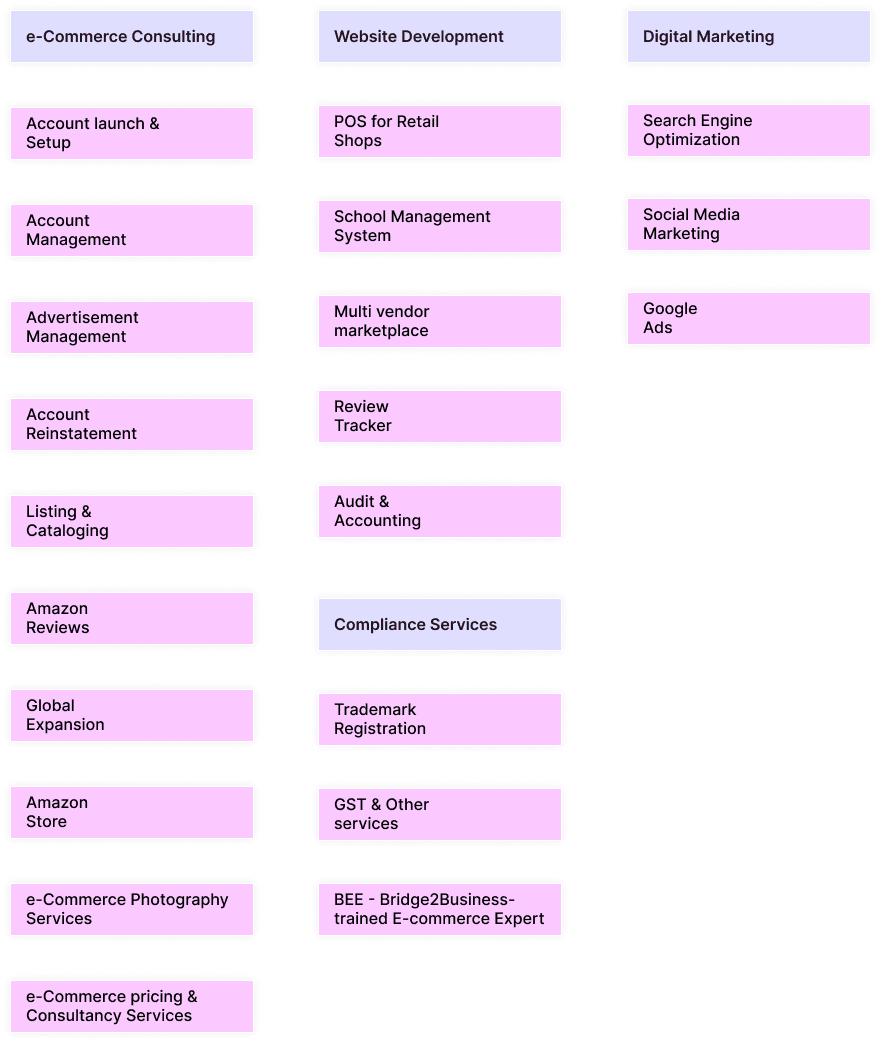
When ideated on Bridge to Business, the goal was to create a user-friendly experience that empowers businesses to explore digital transformation with confidence. Key services like strategy, ROI, and success stories were clearly displayed.
Conceptualize
The concept focused on building a user-friendly platform that empowers businesses to explore digital transformation with ease. Key features include grouping of services with clean interface design. The design emphasizes simplicity, trust, and clarity to help users make informed digital marketing decisions.
Final design
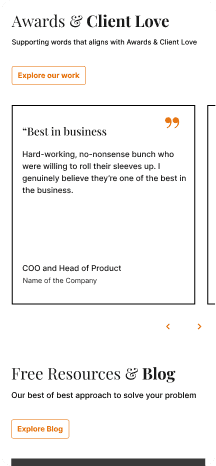
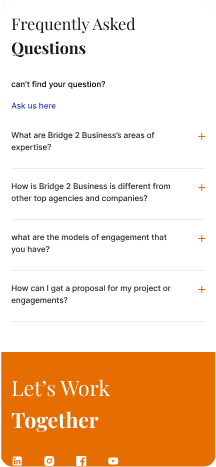
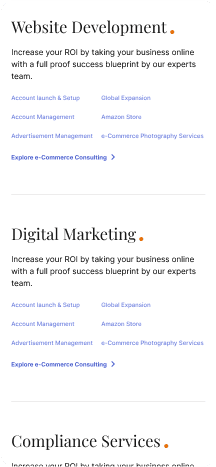
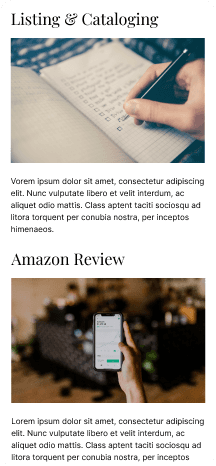
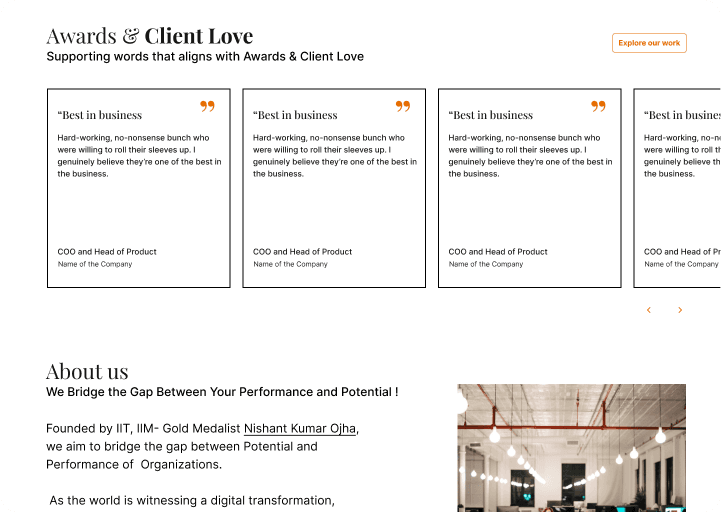
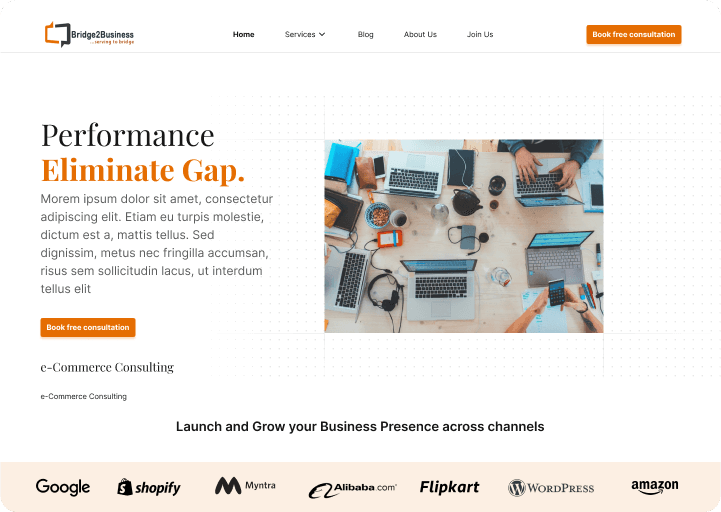
Before VS After
Next Project
Intranet
Free ride up